
How to Configure Auto Provisioning Your Polycom VVX500 for USIP Hosted VoIP
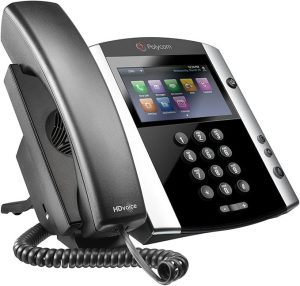
The Polycom VVX 500 is a powerful and versatile IP phone that is perfect for businesses of all sizes
- Press the Home button
- Select the Settings menu
- Select option 2 - Advanced
- Enter the password "XXXX" <-- Contact support@usipcom.com to receive the password for your unit. The default is 456
- Select option 1 - Administration Settings
- Select option 1 - Network Configuration
- Select Provisioning Server
- Set Server Type to: HTTP
- Set Server Address to: endpoints1-kcm.usipcom.com/cfg
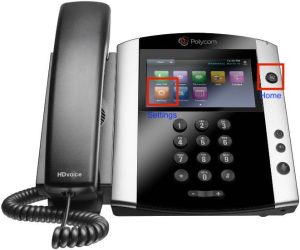
Note: The . symbol can be found by pressing the * key on your keypad. Once you’ve entered the Provisioning Server Address, click Exit twice and then select Save and Reboot.
This applies to all VVX300, 400, 500 and 600 models