
VoIP
Why are my calls being marked as SPAM
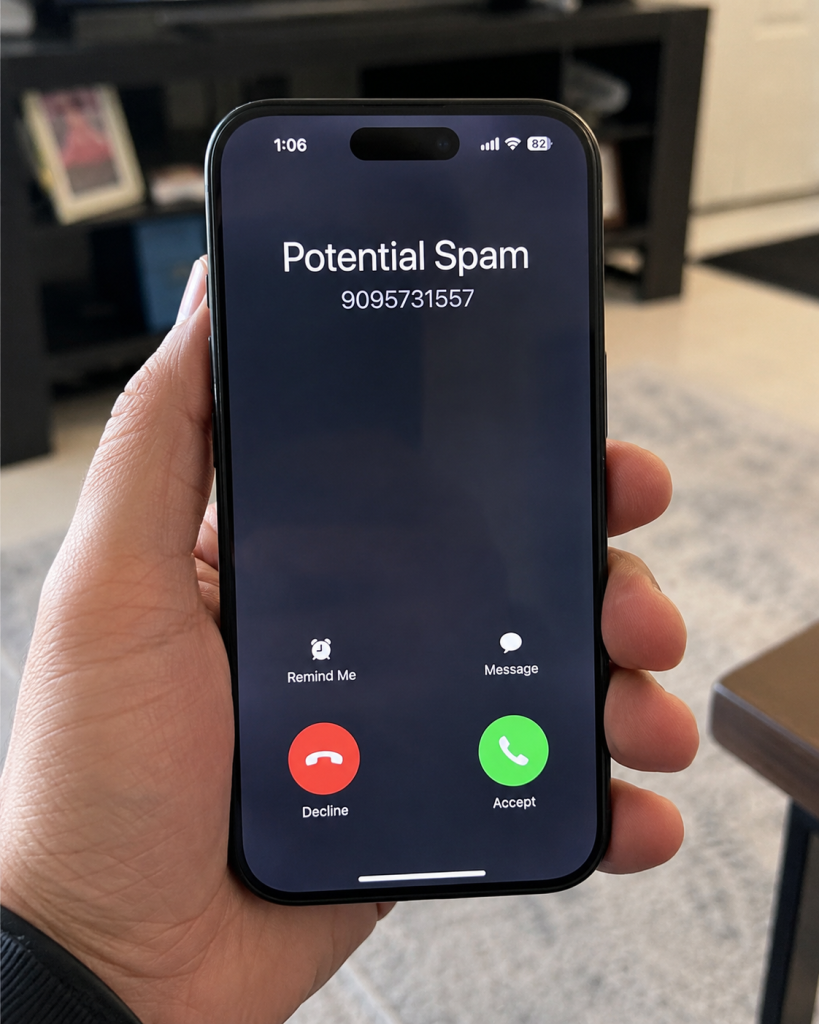
“Scam Likely” or “Spam” Why this happens and what you can do…
Read MoreUpdating VLAN settings on VVX Polycom (410)

Configure VLAN on Polycom VVX410 Step-by-Step Instructions 1. Access the Admin Menu…
Read MoreSnapMobile Logs for Android

How to Send SnapMobile Android Logs to USIP Support Easily capture and…
Read MoreWhy a Yealink Phone Might Not Get DHCP
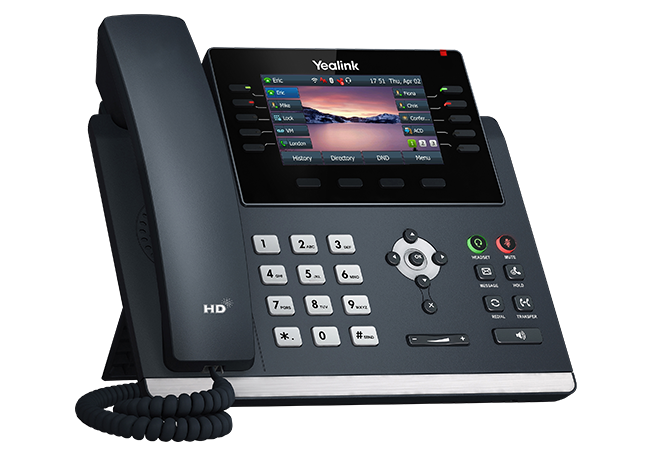
Why a Yealink IP Phone May Not Get DHCP — Troubleshooting |…
Read MoreCybercriminals Love Honeypots

Cybersecurity and Honeypots Stay Ahead of Cybercriminals: Using Honeypots to Detect Emerging…
Read Morev44.1 Hosted VoIP Upgrade Overview and List of Enhancements

Feature Overview API v2 v44 comes with a streamlined API that allows…
Read MoreHow To Upgrade And Provision the Grandstream GXP IP Phone

The GXP1610/GXP1615/GXP1620/GXP1625/GXP1628/GXP1630 can be upgraded via TFTP, HTTP/HTTPS, FTP or FTPS by configuring the URL/IP Address for the TFTP/HTTP/HTTPS/FTP/FTPS server and selecting a download method. Configure a valid URL for TFTP or HTTP/HTTPS or FTP/FTPS; the server name can be FQDN or IP address.
Read MoreHow to Default Grandstream IP Phones to Factory Defaults
Please follow the instructions below to reset the phone:
Restore to Factory Default via the LCD Menu
Read MoreHow to Configure Auto Provisioning Your Polycom VVX500 for USIP Hosted VoIP
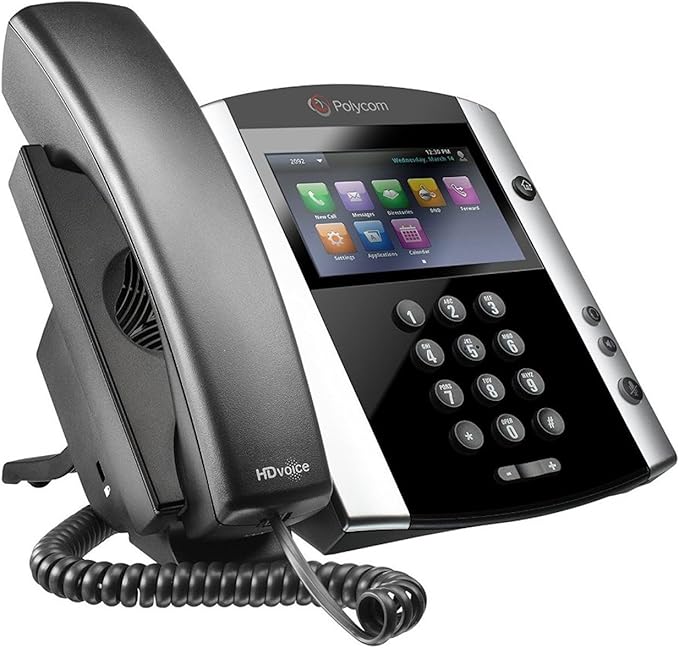
The Polycom VVX 500 is a powerful and versatile IP phone that…
Read MoreHow to Provision the Yealink T46U for USIP Hosted VoIP
Voicemail Tree
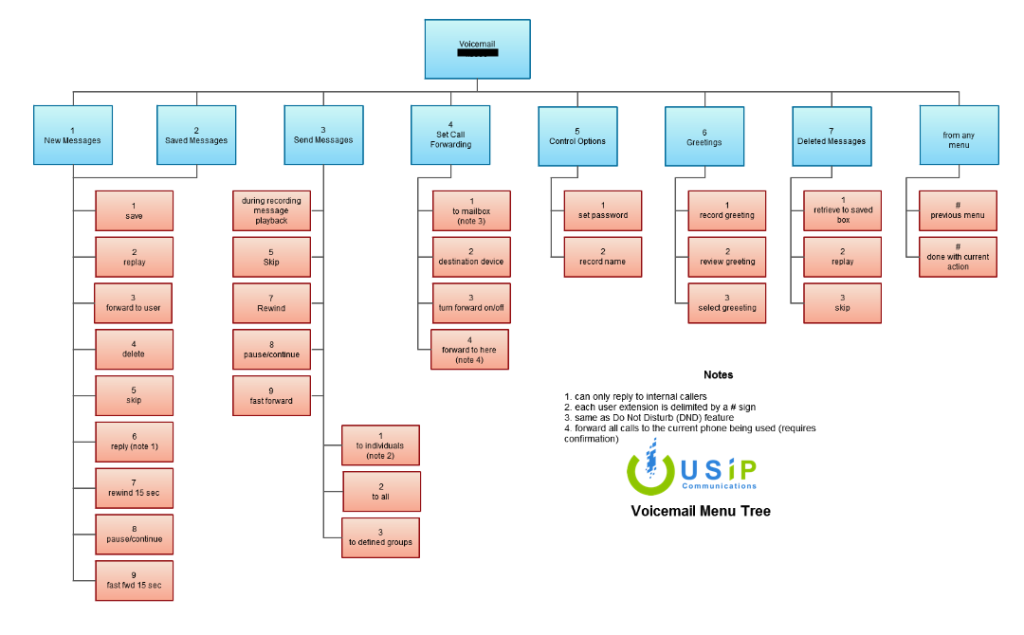
Wanna know how to navigate your voicemail like a pro?
Read MoreAdmin Portal Guide
Office Manager GuideWelcome to Office Manager onboarding training. In this training, we…
Read More