
How to Provision the Yealink T46U for USIP Hosted VoIP
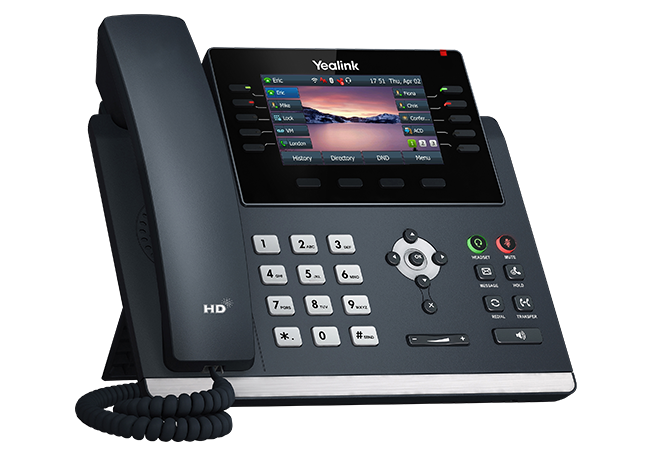
- Press the OK button on the front of the phone to gather the IP Address of the device
- From a Web Browser (Chrome or Edge) enter the IP address of the phone into the Browser header.
- Example: http://192.168.0.183/
- Login to the phone interface using the Admin/Password. The Default Username is Admin. Contact support@usipcom.com for the Password on your specific phone.
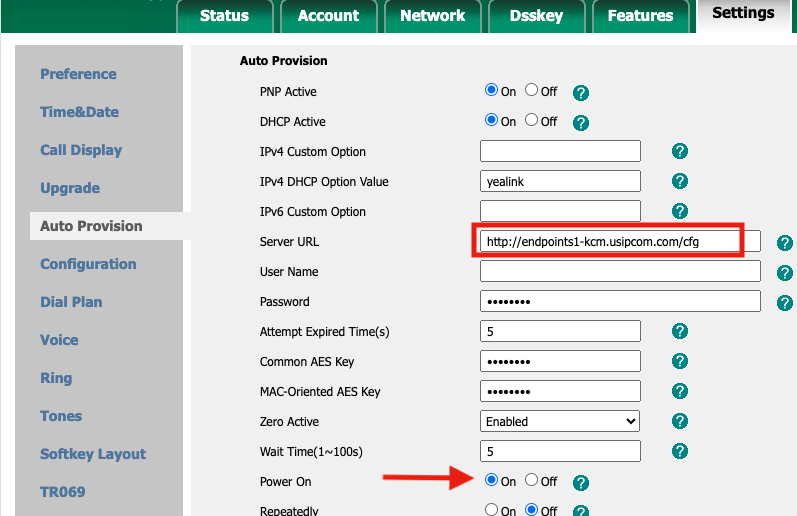
- From the Web UI, Click on Settings->Auto Provision.
- Enter the URL of the provisioning server in the Server URL and be sure “Power On” is checked
- Click “Auto Provision Now” at the bottom of the page.
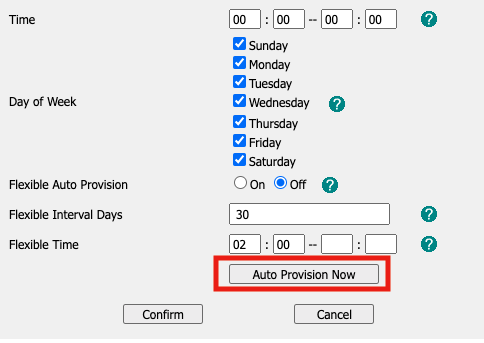
- Click Confirm to save these changes.